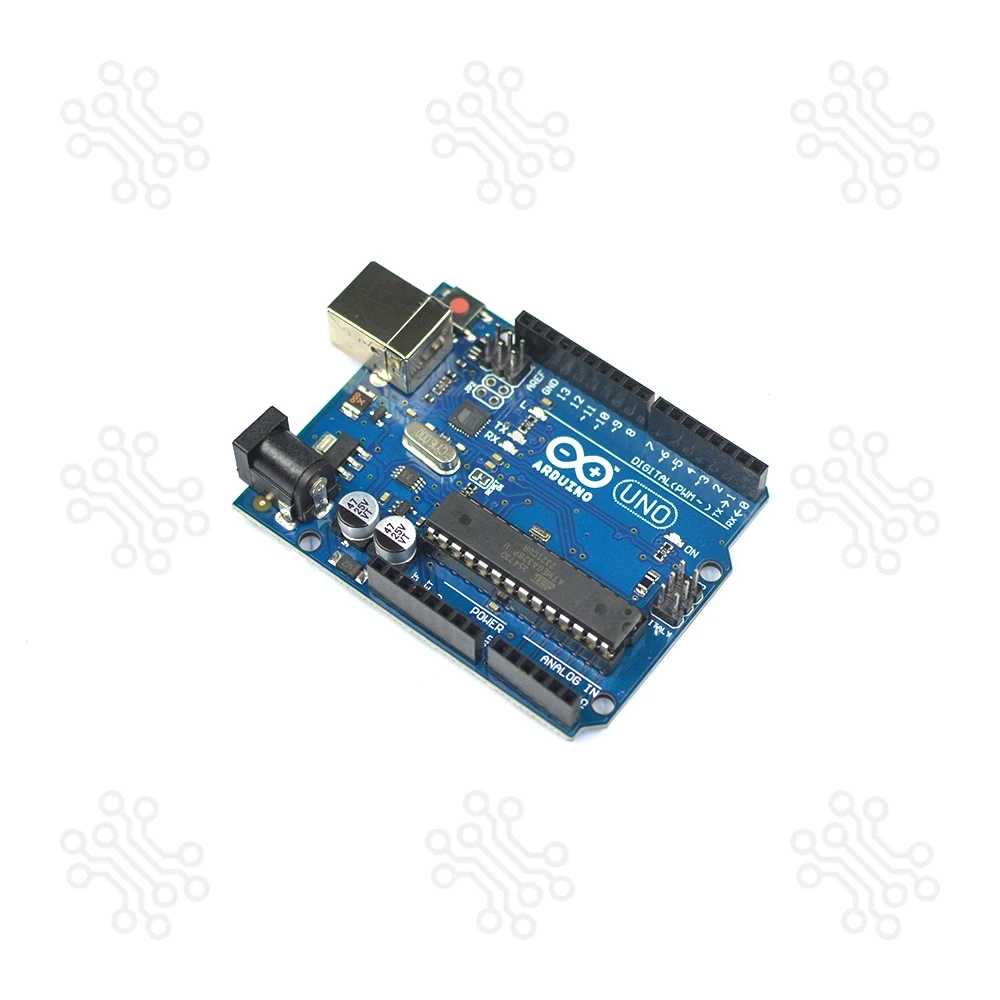
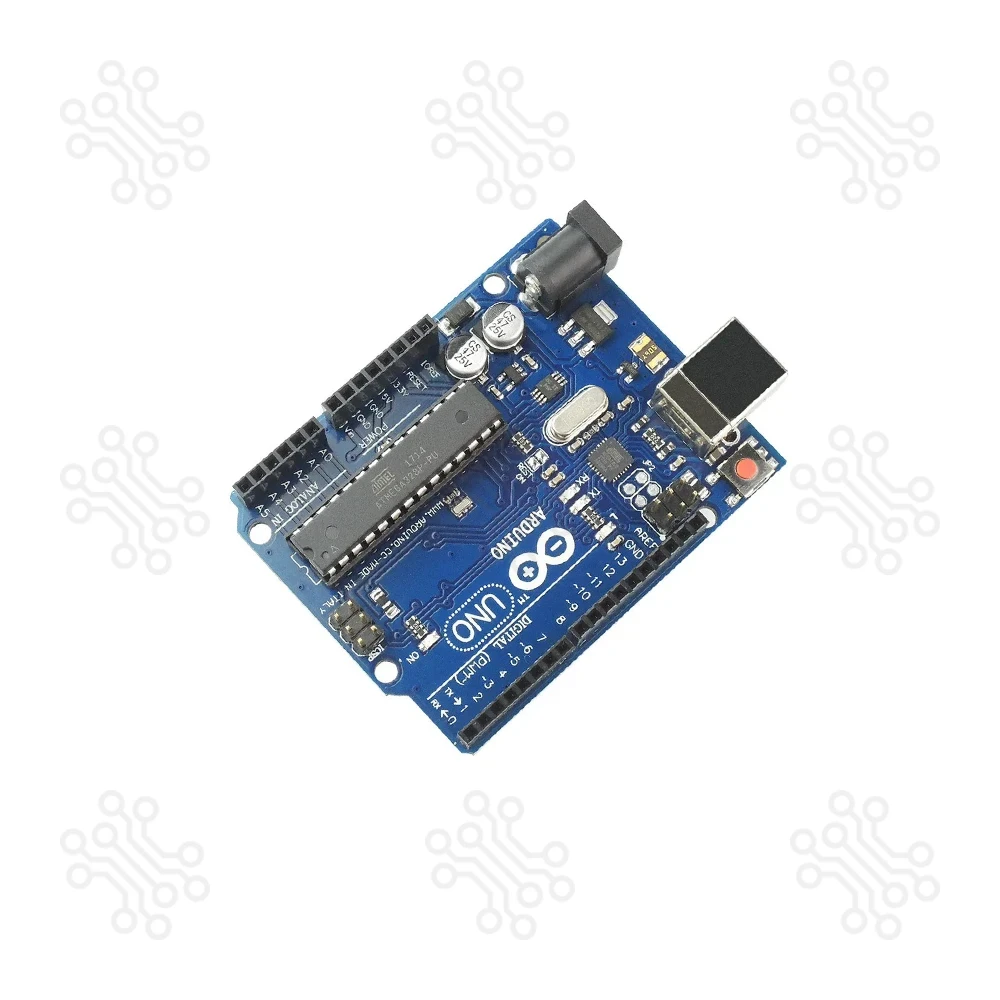
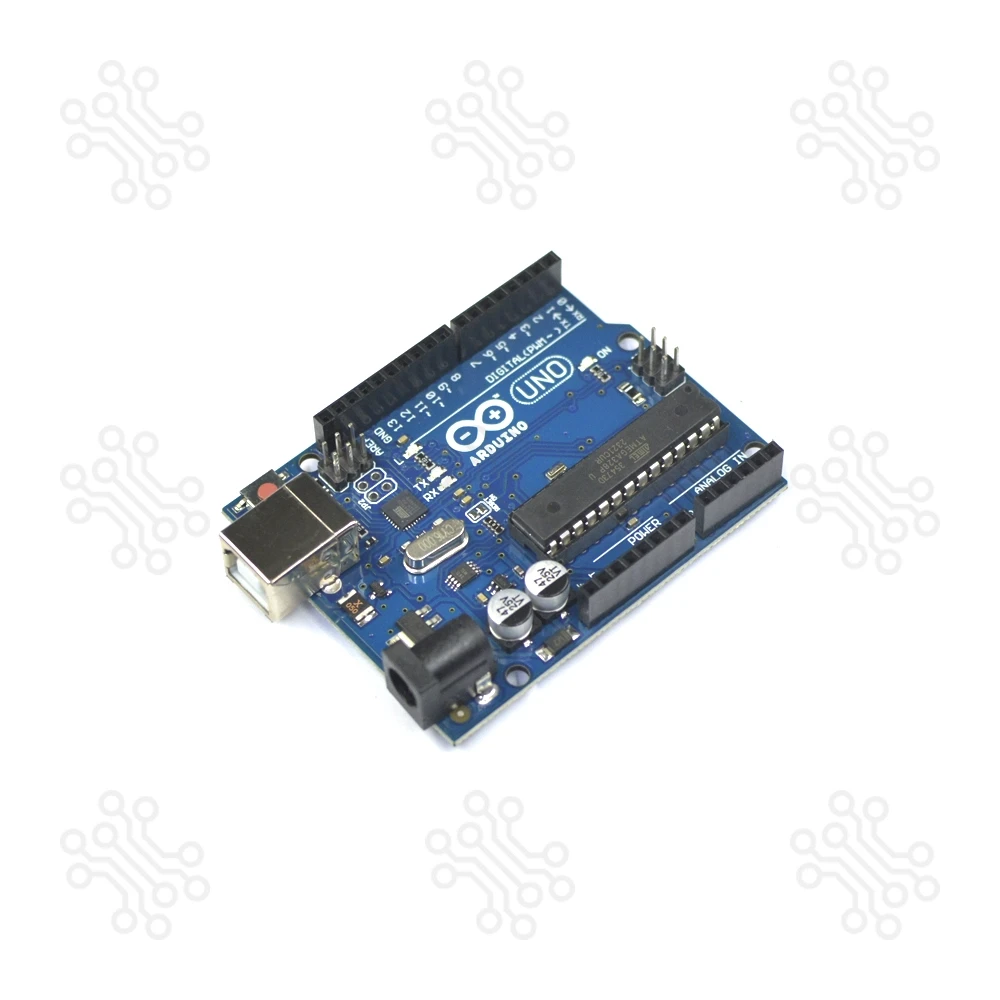
If you're searching for the best Arduino Uno R3 price in Bangladesh, your search ends here. Whether you typed “Arduino Uno”, “Uno”, or “Arduino Uno R3”, this is the board you're looking for.
The Arduino Uno R3, built around the ATmega328P microcontroller, is one of the most popular and reliable development boards used worldwide for embedded systems, IoT, home automation, and robotics projects. Known for its stability, ease of use, and huge community support, this board is ideal for students, hobbyists, and engineers.
This version maintains the same pin layout, features, and performance as the official Uno Rev3, making it an excellent choice for learning and building real-world projects — at a much more affordable price.
With full support for the Arduino IDE (Windows, macOS, and Linux), and a wide library of example codes, you can get started within minutes — no experience needed
Key Features
- Built with the reliable ATmega328P microcontroller
- Fully compatible with Uno Rev3 shields and libraries
- Supported by the free, cross-platform Arduino IDE
- Great for learning, prototyping, and DIY electronics
- Cost-effective option with high performance and durability
Technical Specifications
Feature | Specification |
|---|
Microcontroller | ATmega328P |
Operating Voltage | 5V |
Input Voltage (recommended) | 7-12V |
Input Voltage (limit) | 6-20V |
Digital I/O Pins | 14 (6 provide PWM output) |
PWM Digital I/O Pins | 6 |
Analog Input Pins | 6 |
DC Current per I/O Pin | 20 mA |
DC Current for 3.3V Pin | 50 mA |
Flash Memory | 32 KB (0.5 KB used by bootloader) |
SRAM | 2 KB |
EEPROM | 1 KB |
Clock Speed | 16 MHz |
LED_BUILTIN | 13 |
Length | 68.6 mm |
Width | 53.4 mm |
Weight | 25 g |
Application
- IoT Projects: Smart home automation, wireless sensors
- Robotics: Line follower, obstacle-avoiding robot
- Sensor Systems: Temperature, motion, and gas detectors
- Educational Use: Ideal for STEM learning and engineering labs
- Home Automation: Automatic lights, fan, and remote-controlled appliances
Packaging Details
- 1 X Arduino Uno R3
- 1 X USB A to B Cable
Arduino Uno R3 – Frequently Asked Questions
We are offering you the best Arduino Uno Price in BD
Arduino Uno is the best board to get started with embedded system programming. If you are a beginner in this field, then this Arduino Uno can be a robust board that you can start playing with. On this open-source Arduino platform, you may find the full schematic and PCB layout online. Of course, you may also find a huge tutorial on Google about home automation and IoT-based projects using Arduino Uno.
Which variant of Arduino is best for you, compared to the Price in BD?
Ok. The question is important, but the answer is simple. This is 2021, and the Arduino Uno Rev3, which is revision 3, is only marketed by the manufacturer. This is the latest version of Arduino Uno.
Is this Arduino Uno original or a clone?
No way. You may find the genuine version of Arduino Uno here, and the price is impressively high. This is a Chinese version of Arduino Uno.
Although there must be a quality difference between those products, you may be glad to know that there is no hardware issue here. You may get this product at a cheap price rather than a high-priced genuine version. If you're a beginner, we recommend trying it out first.
What’s about the Arduino Uno Programming?
All of the Arduino boards are programmed by using the Arduino IDE, and this is completely free. You can download the Arduino IDE for Windows, Linux, and Mac operating systems. Sometimes you may be able to find third-party mobile apps to program the Arduino Boards. This is a delight.
How can I learn?
So easy. Yes, Arduino IDE itself may be a user manual or an instructor for you. This IDE comes with all of the basic example programs to start. You may upload the program simply from the IDE.
One more thing, you can also find a huge online tutorial for advanced programming. No limitation is there.
Is this Arduino Uno safe for children?
We don’t think so. There is a lot of technical terms there. But if you have an instructor or strong guidance, then it may be processed. If someone is there, with the help of Arduino Uno, it may be great for any science projects.
How to power up the Arduino Uno?
Arduino Uno may power up with a wide range of DC input voltage, that is, 7-12V. We recommend that you use this SMPS-based AC-to-DC Power Adapter 12V for powering up your Arduino Uno. But if you want to make it portable, then this 2S Li-Ion Battery with Charger or Mini UPS (5V, 9V, 12V) can be used.
What’s about the Programming Cable for the Arduino Uno?
Got it. You may be glad to know that this product comes with a USB Programming Cable. You don’t have to purchase it separately. But if you want a lengthy cable for more flexibility, then you may purchase it from here.
Any other accessories for Arduino Uno?
We are offering the Arduino Uno and all of the accessories at the best price in bd. You can find all of the accessories here. Take a look at the list below and don’t forget to collect it.
 English